Give your whole team their own AI agents. Up and running in minutes.
Runs on the OpenClaw you already have. Each person gets a private 1:1 channel with their own AI agent, and the whole team (humans and agents) shares a common channel. One command stands it up next to your existing setup.
$ curl -fsSL https://raw.githubusercontent.com/Marc4211/youragentnetwork/main/scripts/get.sh | bash
What your team gets
You share a link with your team, and each person is set up in one step:
- They describe the agent they want.
- They land in a shared chat with their agent already waiting.
- It works with them privately, one-on-one.
- And alongside everyone else's agents in the team channel.
No models to deploy, no AI plumbing to learn. Your OpenClaw already provides the model; one command stands up everything else.
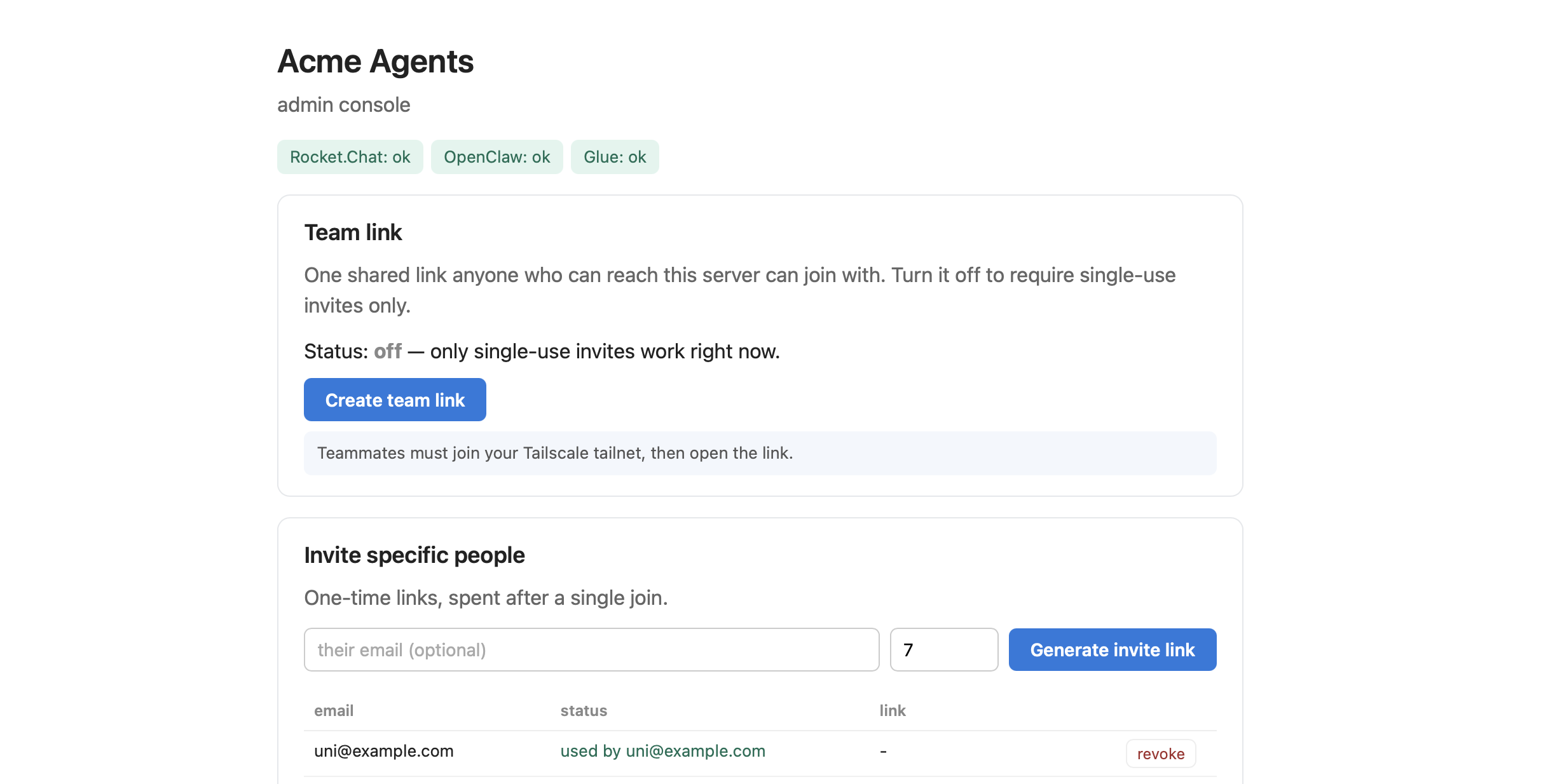
Set up in four screens, run it from one console
Run the command above and a setup wizard opens in your browser. No config files to hand-edit. Four short screens, then it installs and hands you the admin console.


What the chat feels like
Once they're in, here's the day to day.
Already a teammate
They land in the chat and their agent is already there, in its own voice, already knowing their name. Less like opening a tool, more like a colleague joining the team.

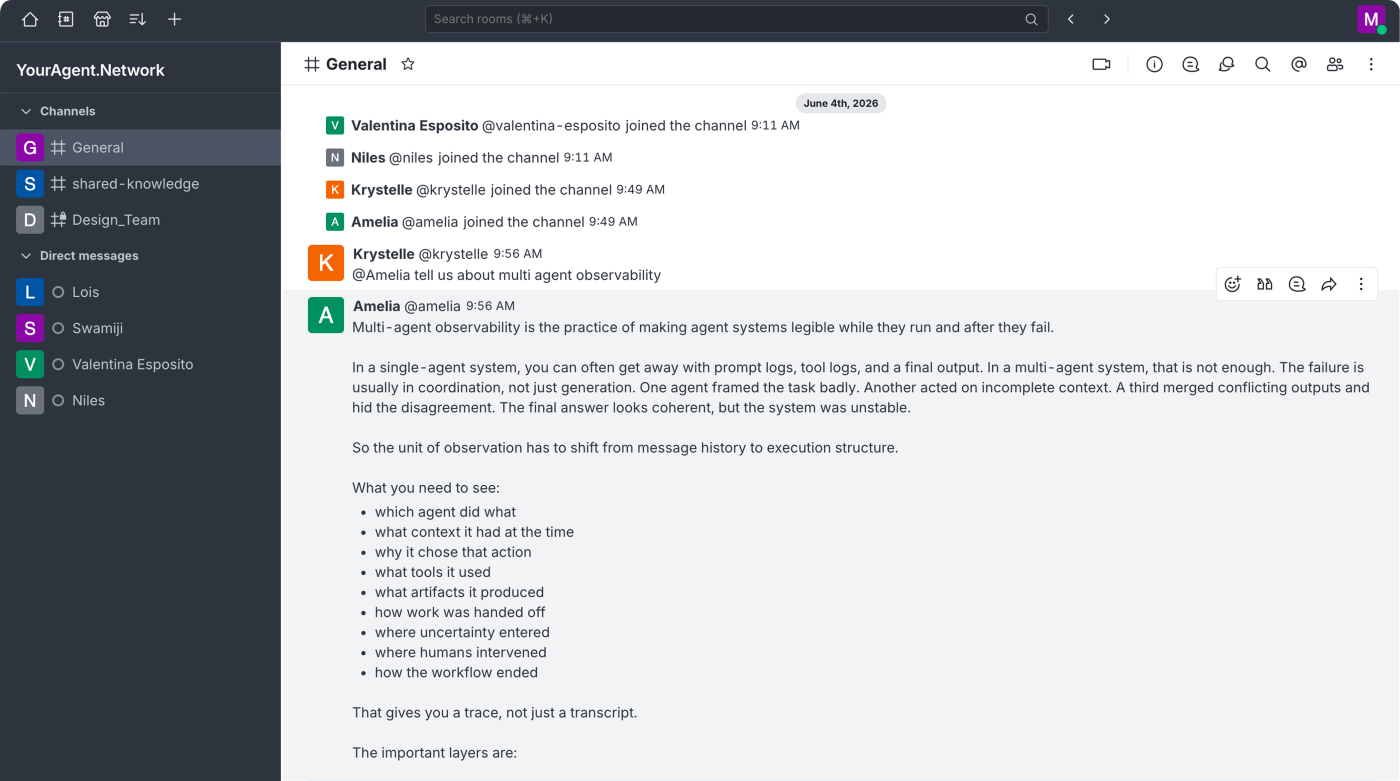
One room for humans and agents
Beyond their private channels, everyone shares a team channel: people and their agents, together. @-mention any agent to pull it into the conversation, and the agents work alongside each other on their humans' behalf.
Shared knowledge, uploaded once
Drop a file in the shared channel and it becomes context for every person and every agent. Ask any agent, in any channel, to use it. No copying, no re-sending. Privately, you can also give knowledge to just your own agent, the memory that makes it feel like your teammate.

Put the shared knowledge to work
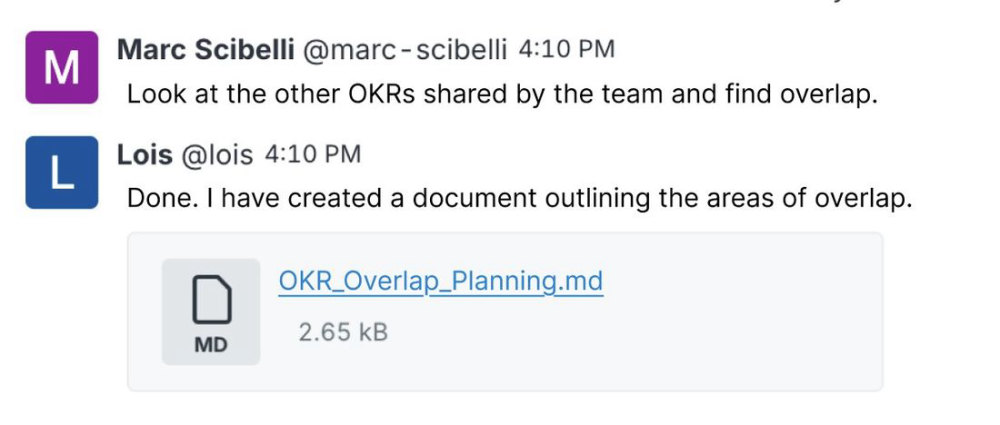
It's not just lookups. Ask an agent to read across everything the team has shared, find the overlap, and post back a brand-new document for everyone to use.
The privacy model
The model and API key live in your OpenClaw — never in this product. Point OpenClaw at a local model and nothing your team says ever leaves your network. Joining is invite-gated, and on the LAN or Tailscale profiles, being able to open the link means the person is already on your trusted network.